Maple is shutting down.
Your family’s week needs a calm place to land.
Maple was acquired in July 2026 and closes on December 31, 2026 — with its data deleted. Here’s what to save, and how to have FamGlow on your wall the same afternoon.
First: save what you need from Maple — before December 31
Maple has said account data will be deleted when the app closes. Before the deadline, export or screenshot anything that lives only in Maple — recurring chore lists, notes, meal plans. Anything already on your Google or Apple Calendar is safe: it belongs to you, not to Maple.
Moving to FamGlow takes about 15 minutes
- Sign in at app.famglow.com with Google or Apple — no new password.
- Connect your calendars. Google and Apple Calendar sync directly; school and team calendars come in via their ICS links. Most of your family’s schedule arrives in this one step.
- Snap the paper stuff. Practice schedules, camp flyers, school handouts — take a photo and FamGlow turns it into events and activities for you to review before anything is saved.
- Add the kids. Each child gets their own color, activities, and chore list — visible to everyone.
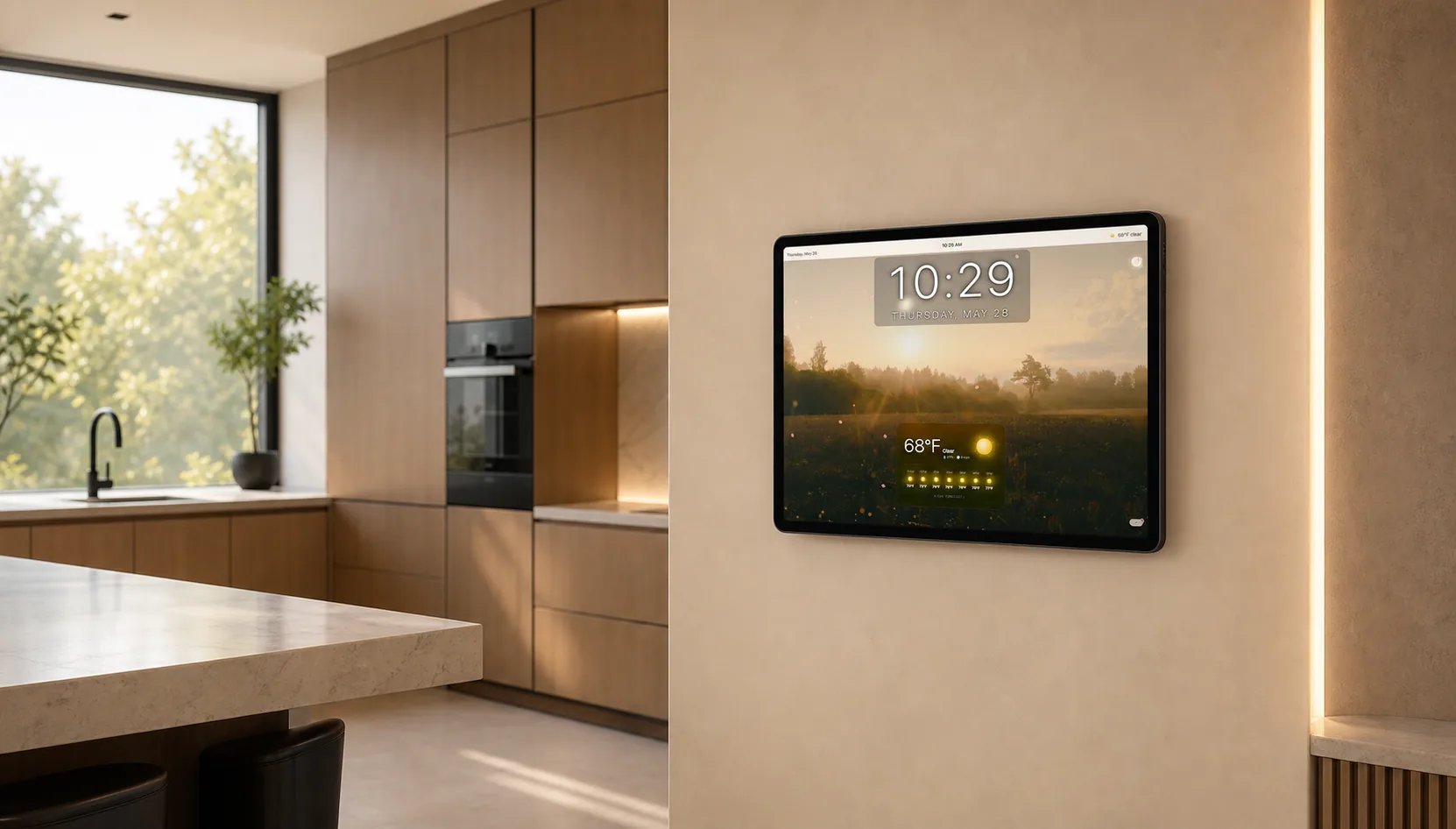
- Put it on the wall. Open FamGlow on any tablet from the last 5 years, mount it in the kitchen, and the whole family sees the week without opening an app.
What Maple families get in FamGlow
- Shared family calendar — Google + Apple sync, school & team ICS feeds, per-kid colors
- Photo → events — snap a flyer or paper schedule, review, done
- Ask by voice or text — “What’s happening this week?” answered from your family’s real schedule
- Kids’ activities & chores — with done/skip right on the calendar
- Shopping lists — one list per store, add by voice, updates live on everyone’s phone
- The wall display — the part no phone app gave you: your family’s week, weather, photos, news and sports, glanceable from across the kitchen
What we don’t do (yet)
- Meal planning & recipes — if that was your #1 Maple feature, we’re not the right fit today. FamGlow’s focus is the family wall, not the kitchen workflow.
- Family chat — we show the week; we don’t replace your group text.
We’d rather tell you that now than after you’ve moved.
Maple acquisition and shutdown: announced by Wander and Maple, July 2026; app closure December 31, 2026 per growmaple.com. Details current as of August 28, 2026 — check Maple’s own notices for final dates.
Comparing more options? See how FamGlow compares to Nori, Dinnerbell, and Skylight.
Why families pick FamGlow
The wall, not another app
Maple lived on your phone. FamGlow’s difference is the always-on wall display — the family’s week visible in the kitchen without anyone opening anything. Your phone still gets view, quick-add, and notifications; the wall does the heavy lifting.
No ads. No hardware to buy. Free for a limited time.
Land somewhere calm.
Free for a limited time, with no card required. Use the tablet you already own.
Try FamGlow FreeNo card required. Works on any tablet from the last five years.