Know what’s happening
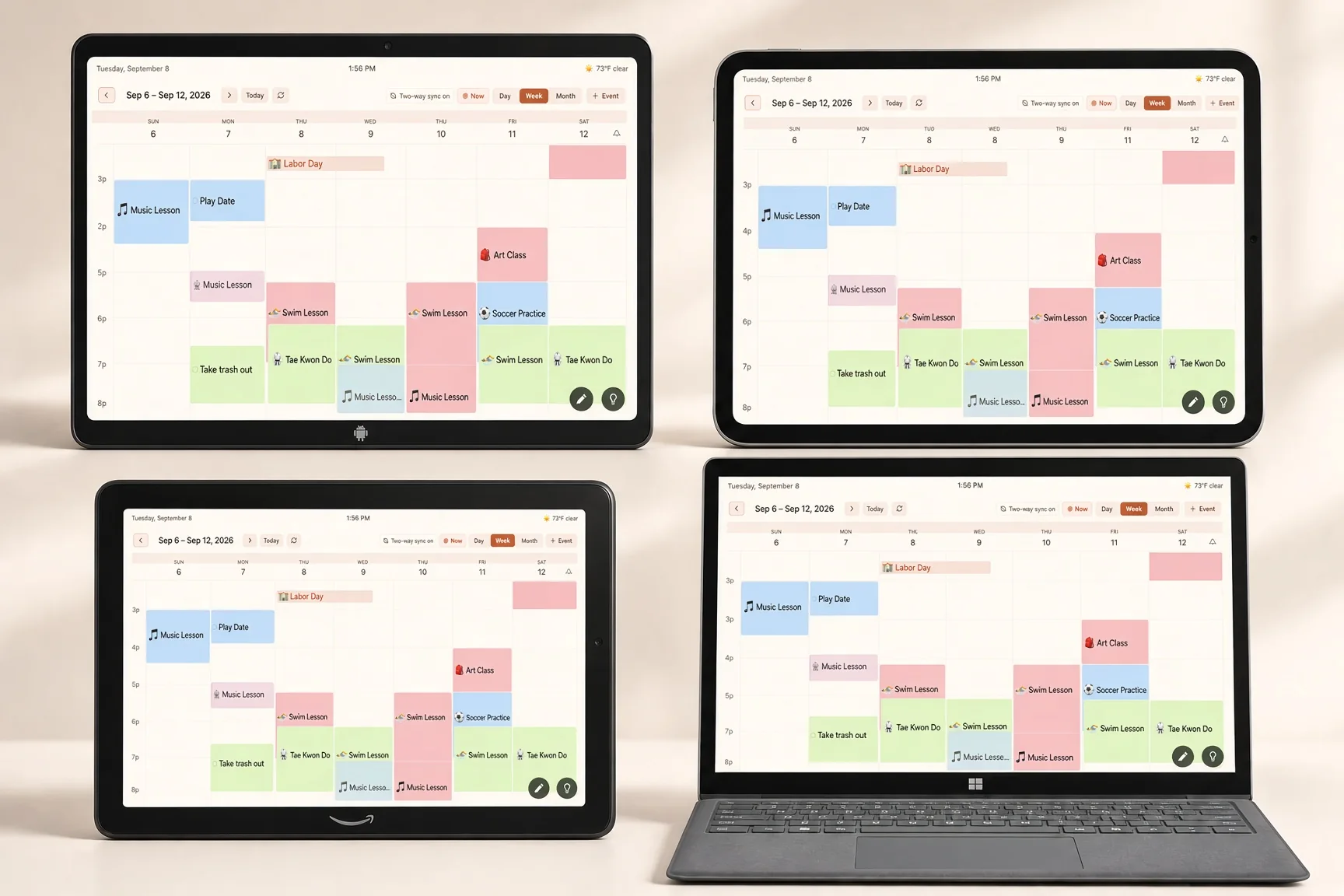
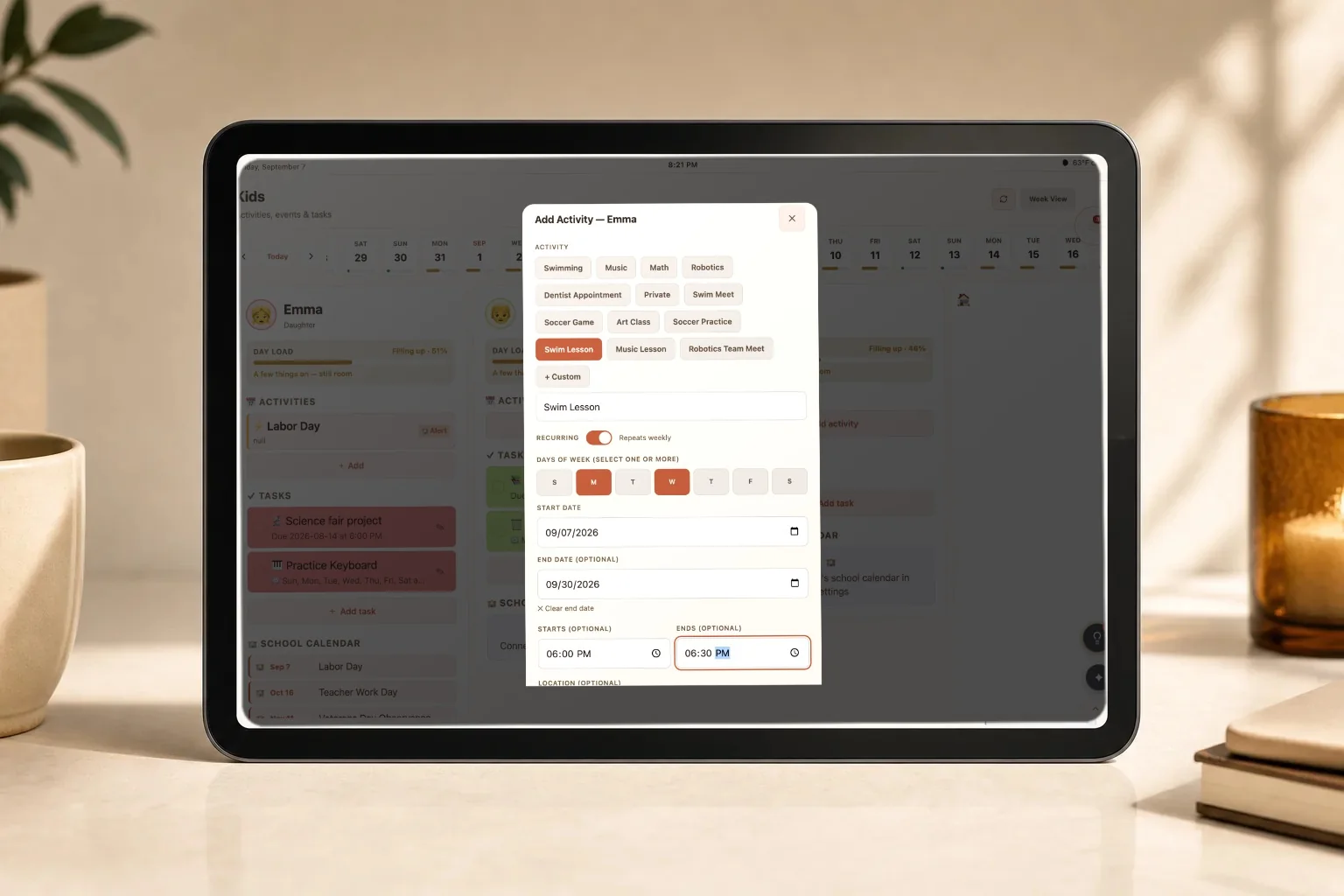
Everyone’s calendars in one week view, with each child in their own color. Walk past and you have it.
Turn a tablet you already own into your family’s shared command center: calendars, school, activities, lists, and everything coming next.
The second brain for family life.
 Google Calendar
 Apple Calendar
School sends a PDF. The soccer club posts a schedule change. Your partner’s calendar is on a different account. The rest of it is in your head, and your head is the only place it exists.
Let FamGlow gather what the family already has and let it answer all your family’s questions.
Google and Apple calendars, school and team ICS feeds, a photo of the practice schedule, a forwarded email.
One family account. Every child gets a color. Nothing changes your original calendars.
On the wall in the kitchen, and on every phone. The kids can check their own week without asking you.
Everything FamGlow does answers one of them.
Everyone’s calendars in one week view, with each child in their own color. Walk past and you have it.
The busy Thursday, the early start, the trip in three weeks. Visible before it arrives, not after.
Snap a paper schedule or forward an email. FamGlow reads it, shows you what it understood, and waits for you to approve.
Ask FamGlow
Ask in plain language, by voice or text, on the wall display or on your phone.
What that means today: Ask FamGlow answers from your family’s real schedule and lists, on every surface.
What your family context is for: it helps FamGlow answer your questions, and it is never used to build an advertising profile.
It does the harder part too: FamGlow spots when two things overlap before you walk into them, works out which evening is genuinely free, and tells you which day still has room. When it finds a clash it names who it affects and suggests a fix, then leaves the decision to you.
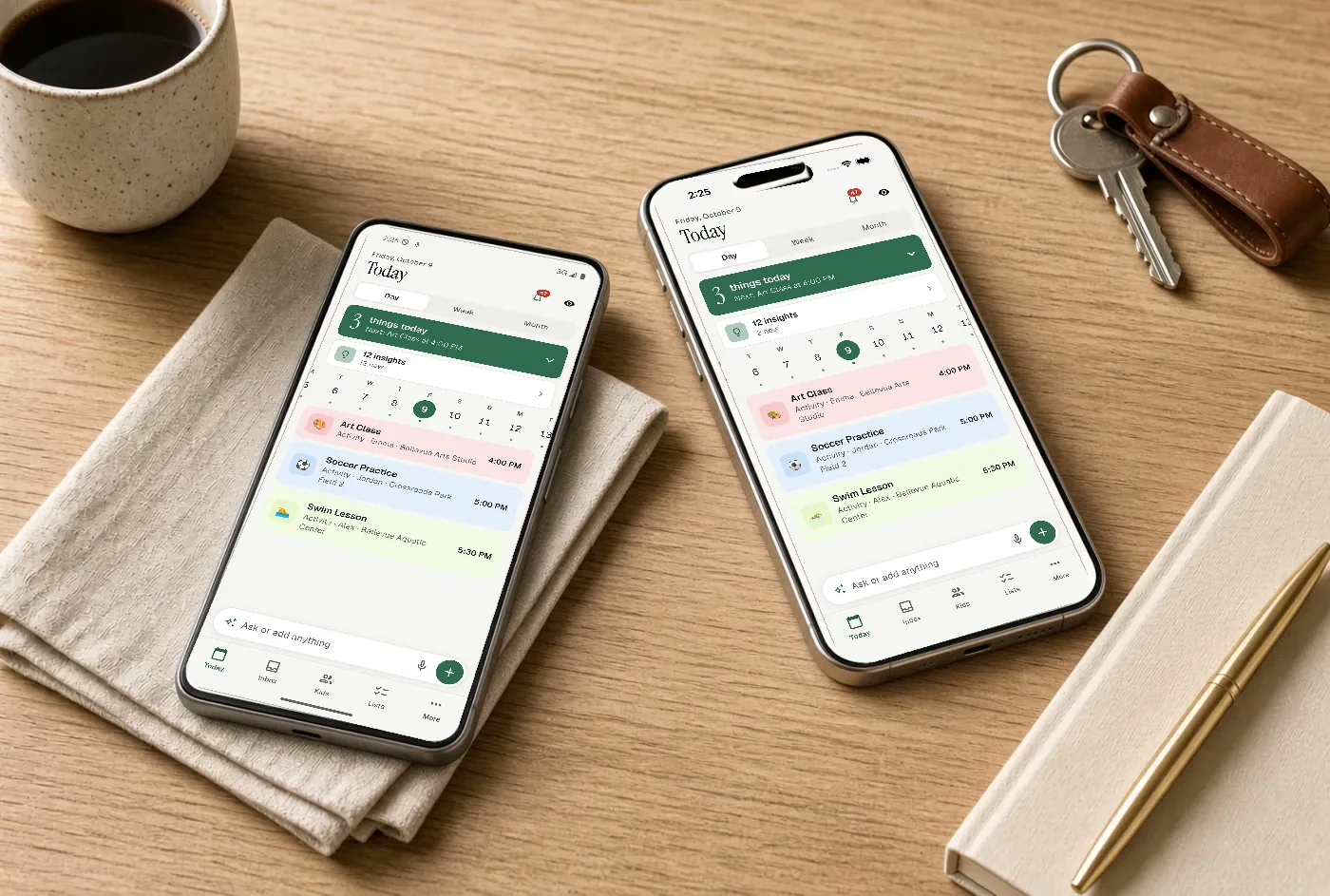
The wall is for everyone at once. Your phone is for you, right now.
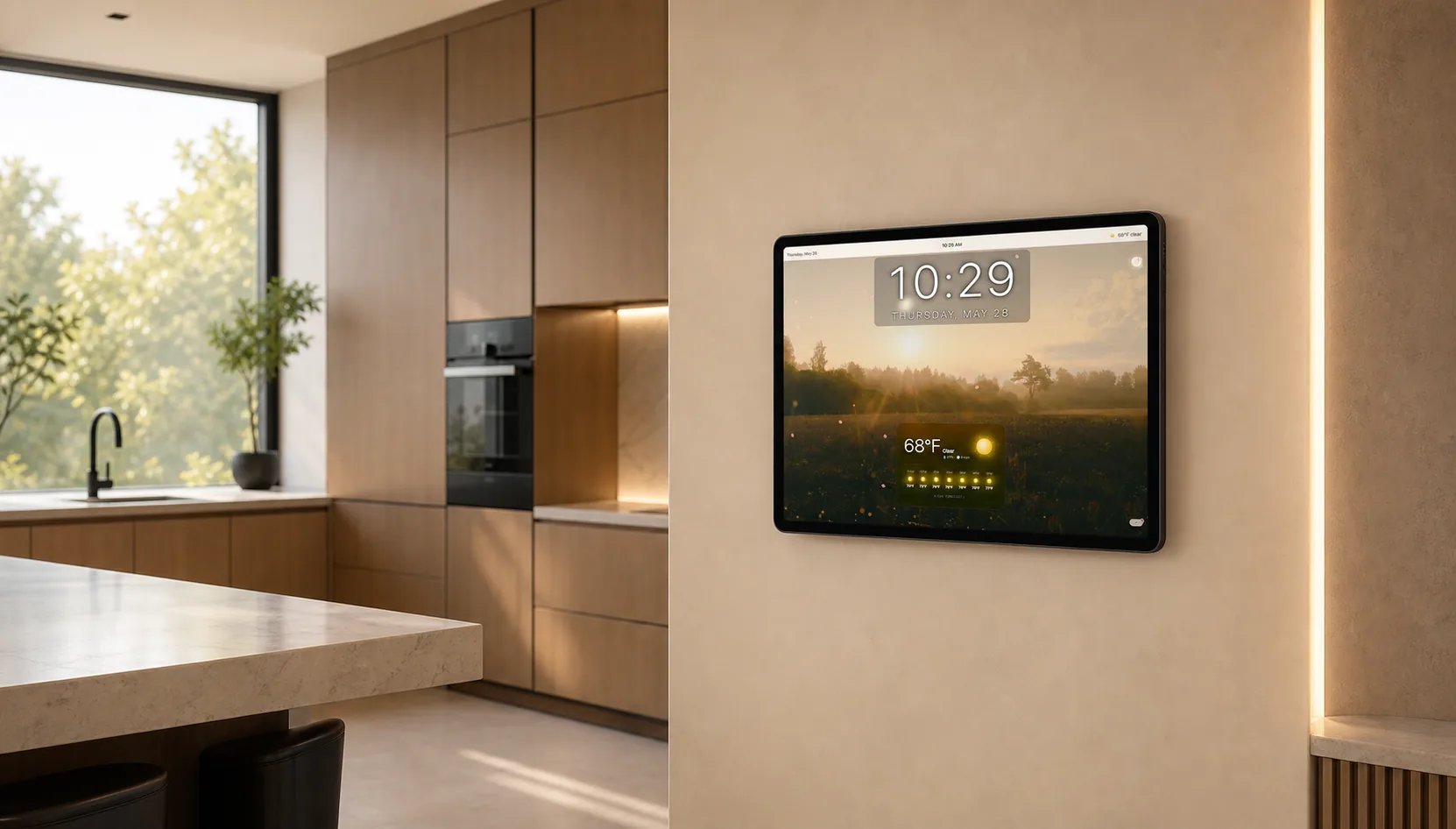
FamGlow lives on the screen your family already walks past, always on, readable from across the room.
The same family account in your pocket, for the moment you need to act rather than look.
No new hardware
FamGlow is software. It runs in a browser, so the tablet in the drawer, the old iPad, or the laptop nobody uses becomes the family display. Sign in with Google or Apple, connect your calendars, mount it. About ten minutes.
Between schedule views, FamGlow shows the things that make a screen on the wall feel like part of the house rather than another calendar.
The hourly forecast and the week, so nobody leaves without a coat.
Your own photos rotate between views. A command center and a memory wall.
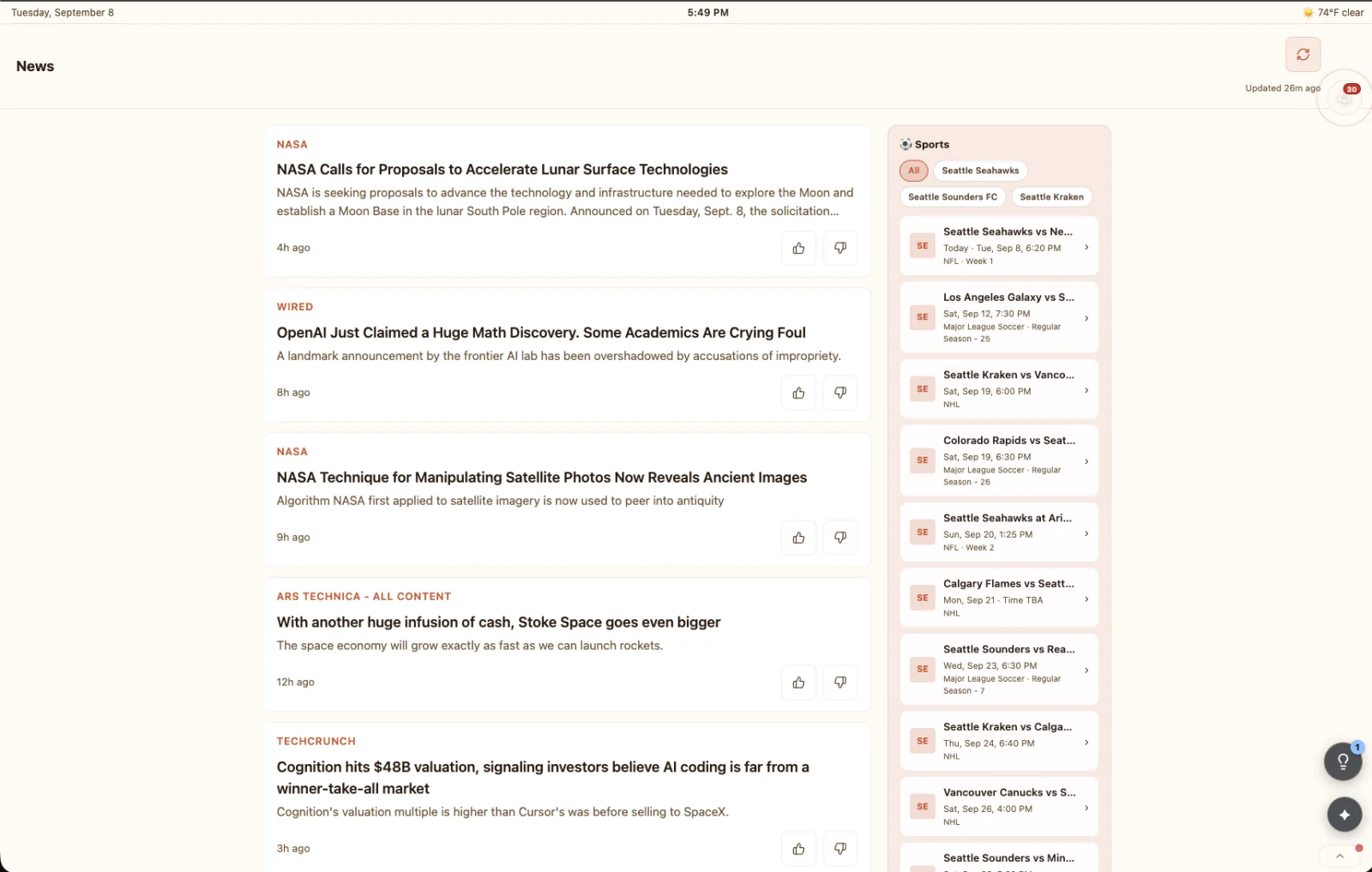
Morning headlines and the teams you follow, without picking up a phone.
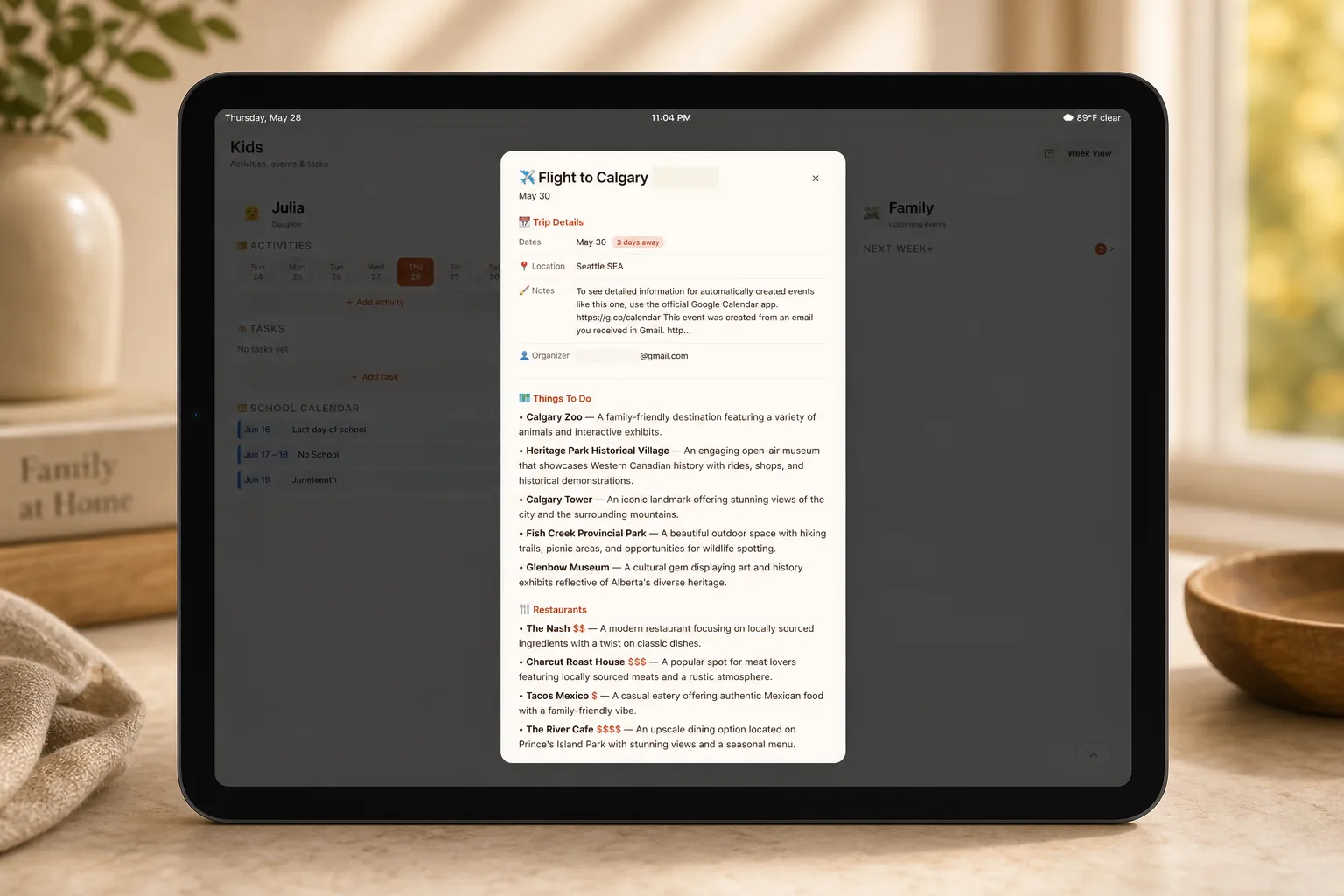
The next trip, front and center, from the day you book it.
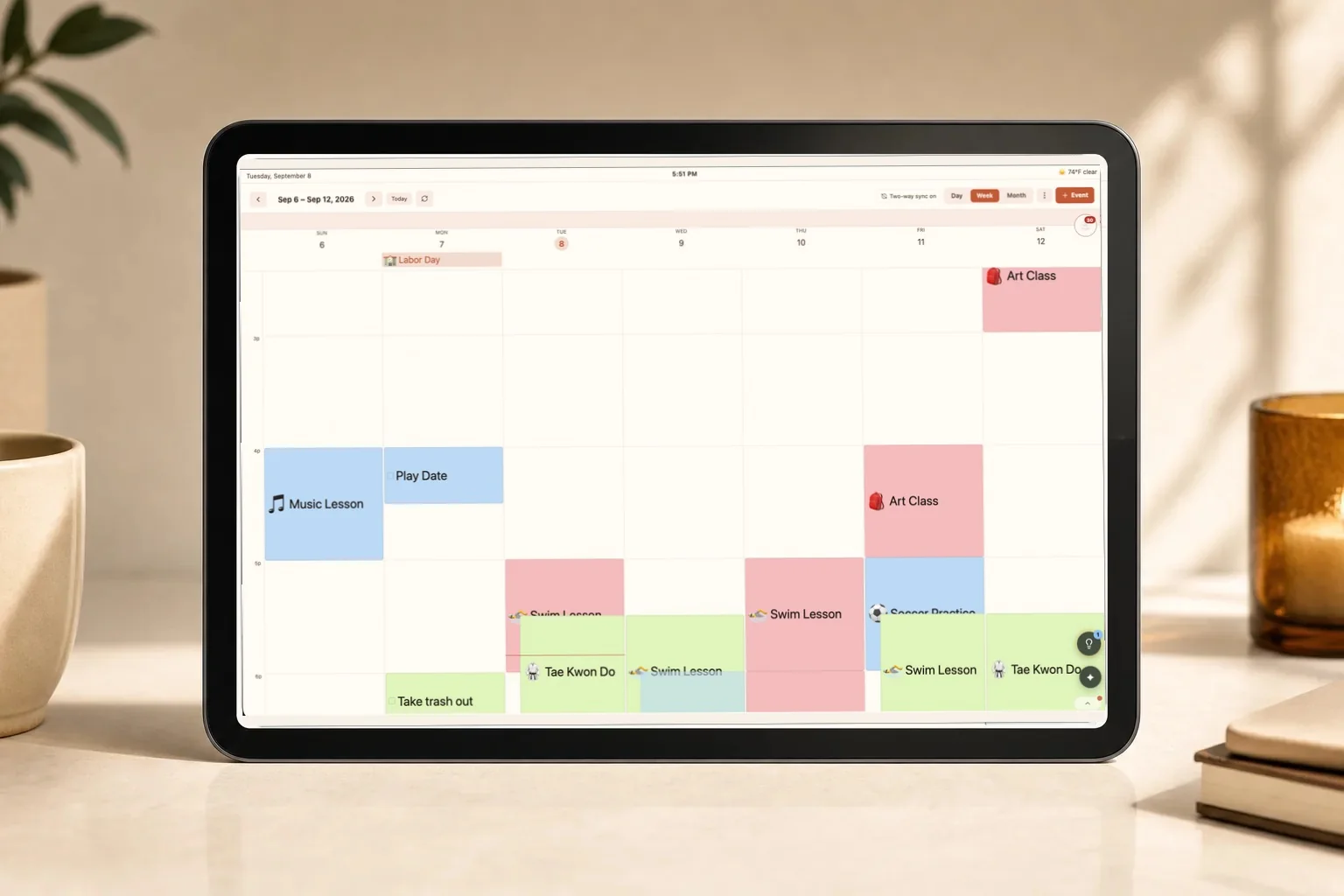
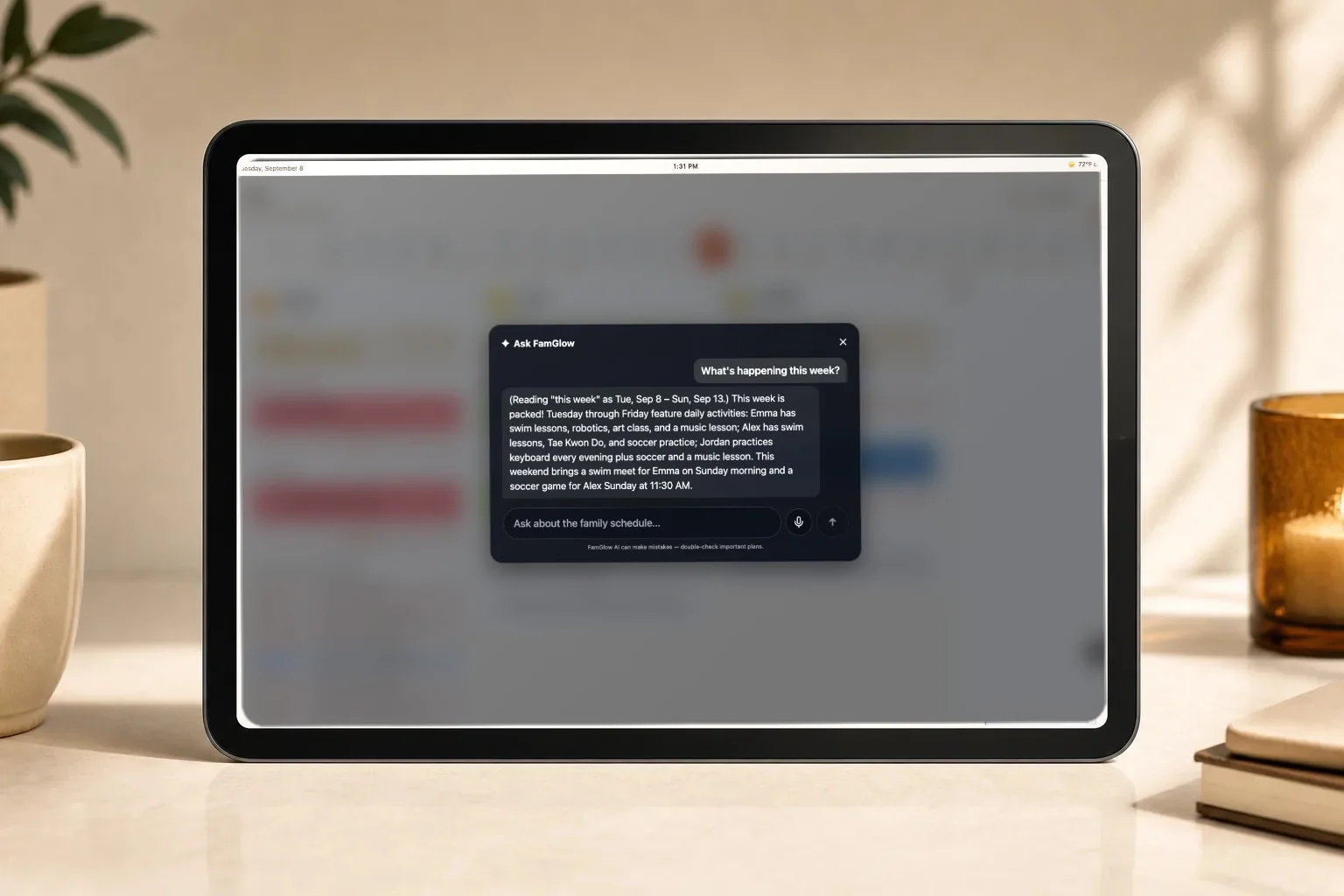
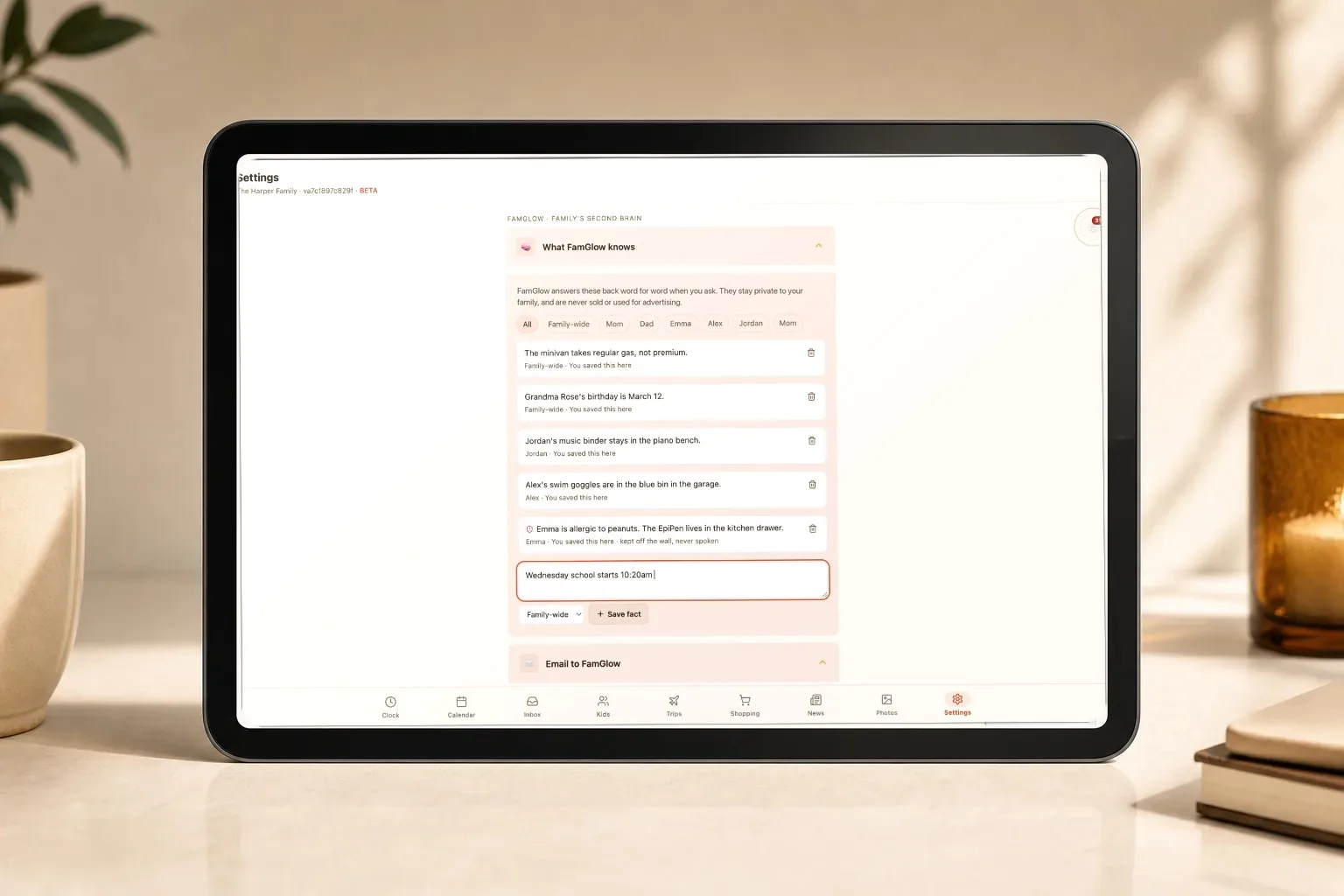
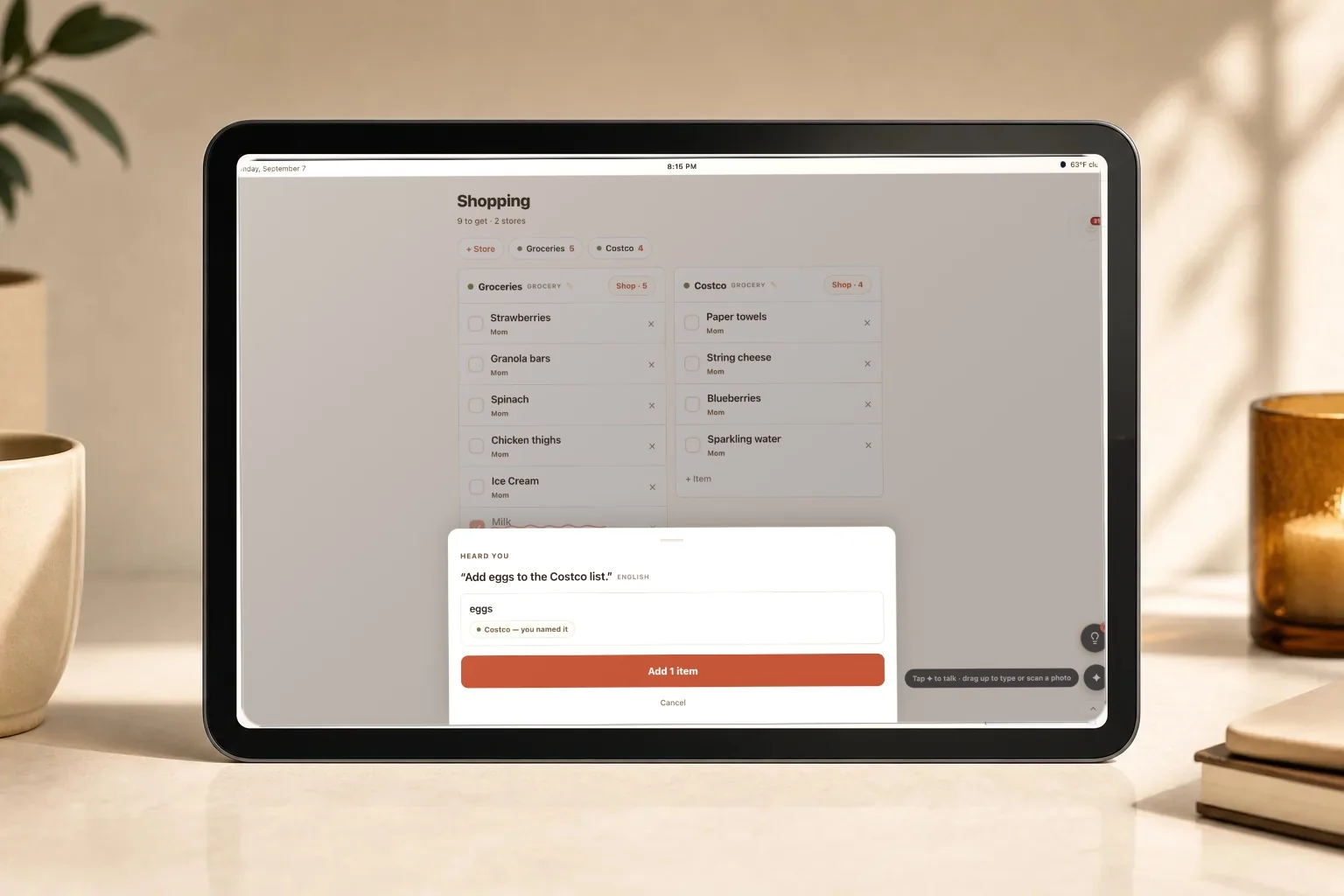
Swipe or use the arrows. Tap any image to view it full size.
The short version. The full comparison, with sources, is on the compare page.
Compare FamGlow with Skylight, Nori and Cozyla, checked against each company’s own documentation.
FamGlow is built to help your family, not to advertise to it. We run no ads, so there is nothing to sell and nobody to sell it to.
No advertising anywhere in FamGlow. The wall in your kitchen never becomes ad space.
Your family’s information is not sold to advertisers or data brokers, and not shared with anyone outside the services needed to run FamGlow.
Your family’s information powers FamGlow, not an advertising profile. FamGlow reads the calendars you connect and does not edit them, and the photos in your photo frame are never sent to AI. When you ask FamGlow to read a flyer or a forwarded email, that item does go to our AI provider so it can be turned into events, and it is never used to train their models.
Delete your account from Settings, with no email and no waiting period. Personal data is removed from our active systems within seven days, and you can delete individual items without closing the account.
Read our privacy policy, including every third-party service and exactly what it receives.
Why this exists
FamGlow started after we missed TaeKwonDo for what felt like the hundredth time. We had every app. We shared calendars. None of it worked the way a family actually lives.
So I built a screen for our kitchen wall, where the whole family’s week is always visible. My kids can see what class they have. I glance at it while I grab my coffee.
Vandan, founder of FamGlow
Ten minutes, a tablet you already own, and no card.
Try FamGlow FreeNo card required. Your data is never sold.